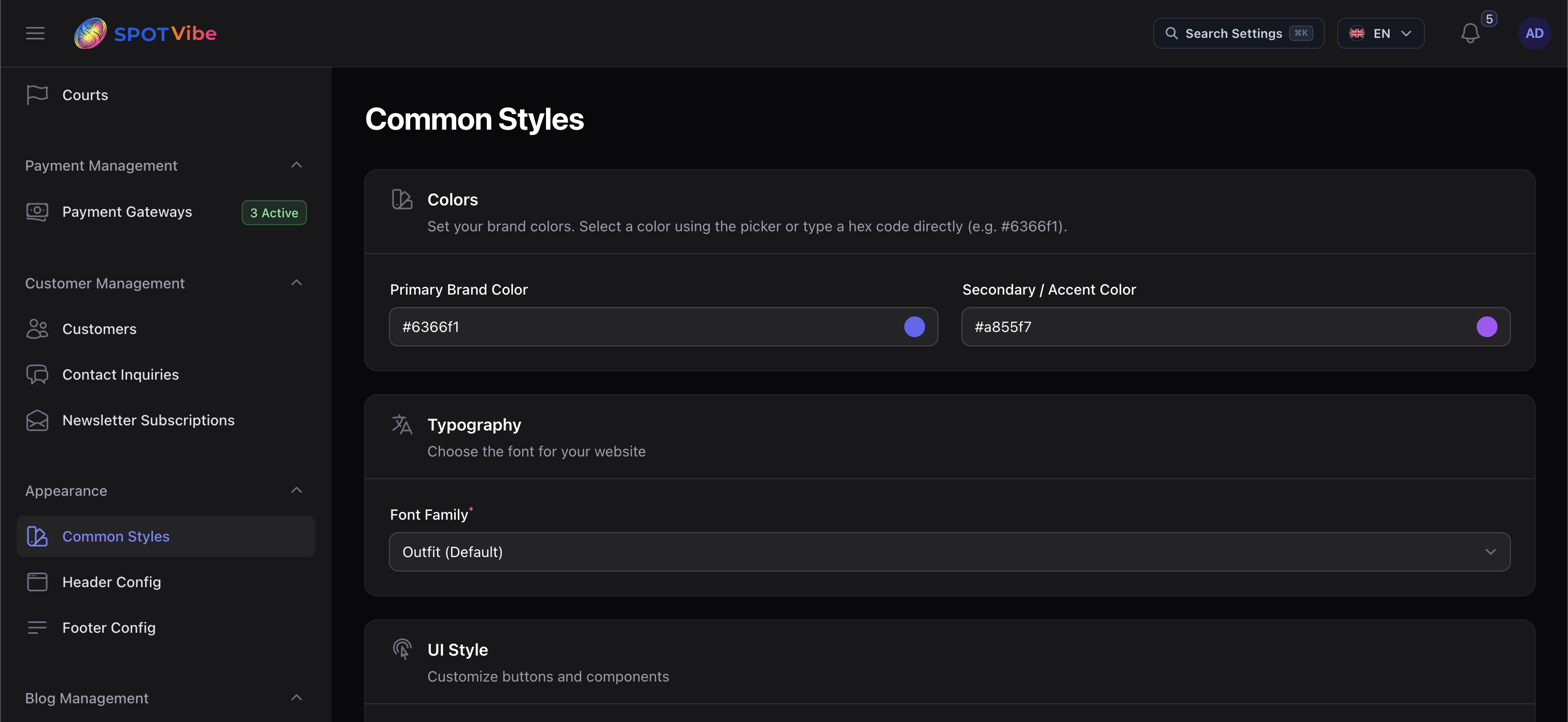
System & Branding Settings
Customize system timezones, pricing currency parameters, booking constraints, and aesthetic styles.
1. Timezone & Currency Setup
Navigate to Admin Panel Settings > General to configure site parameters:
- Timezone: Align system timers and check-out expirations with your local time.
- System Currency: Choose your currency code (e.g., USD, EUR, VND, JPY).
💡 NOTE: SpotVibe handles zero-decimal currencies (such
as Japanese Yen
JPY or Vietnamese Dong VND) automatically. Payments sent to
Stripe or PayPal will format pricing values without converting them to fractional cents.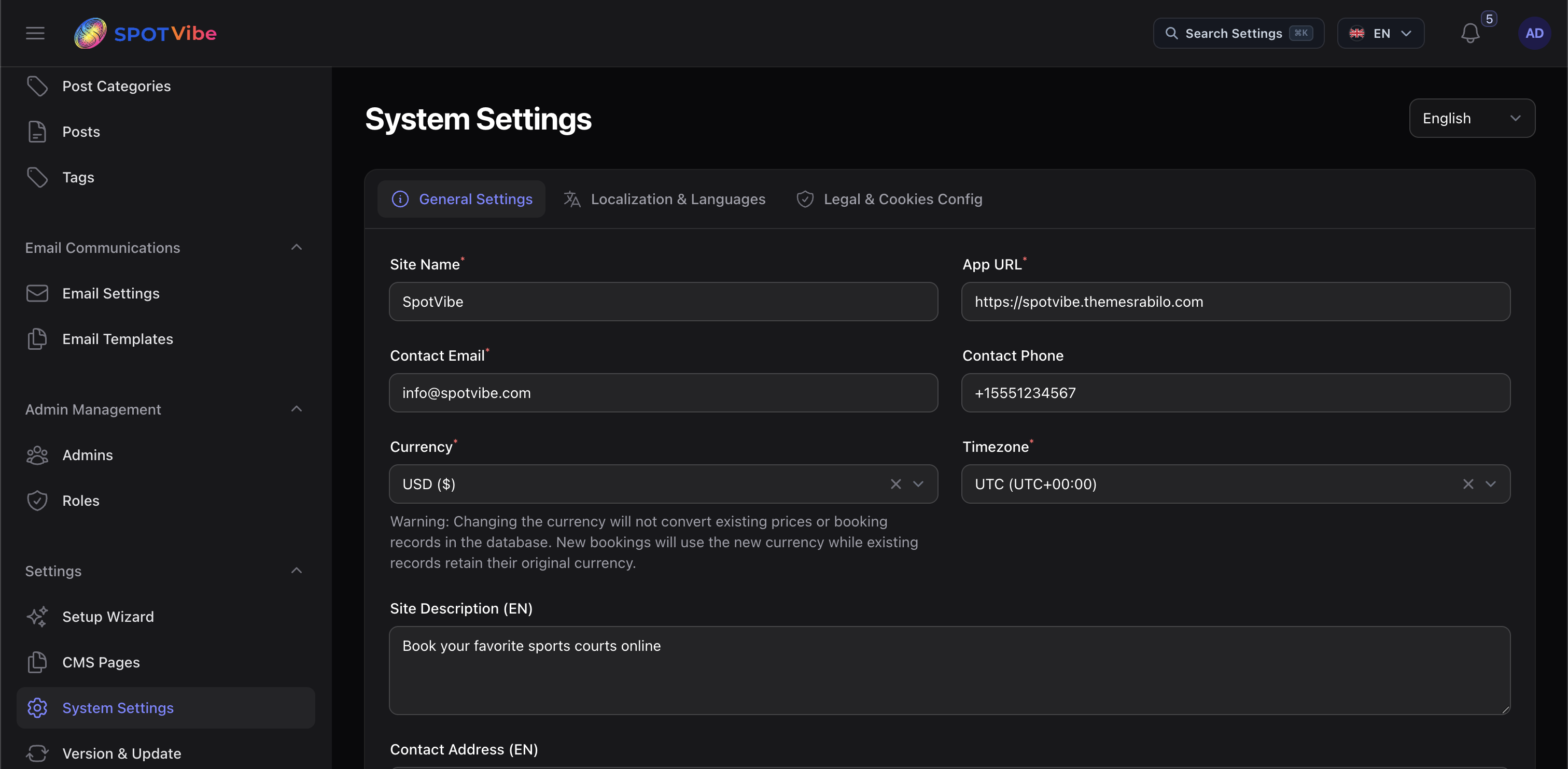
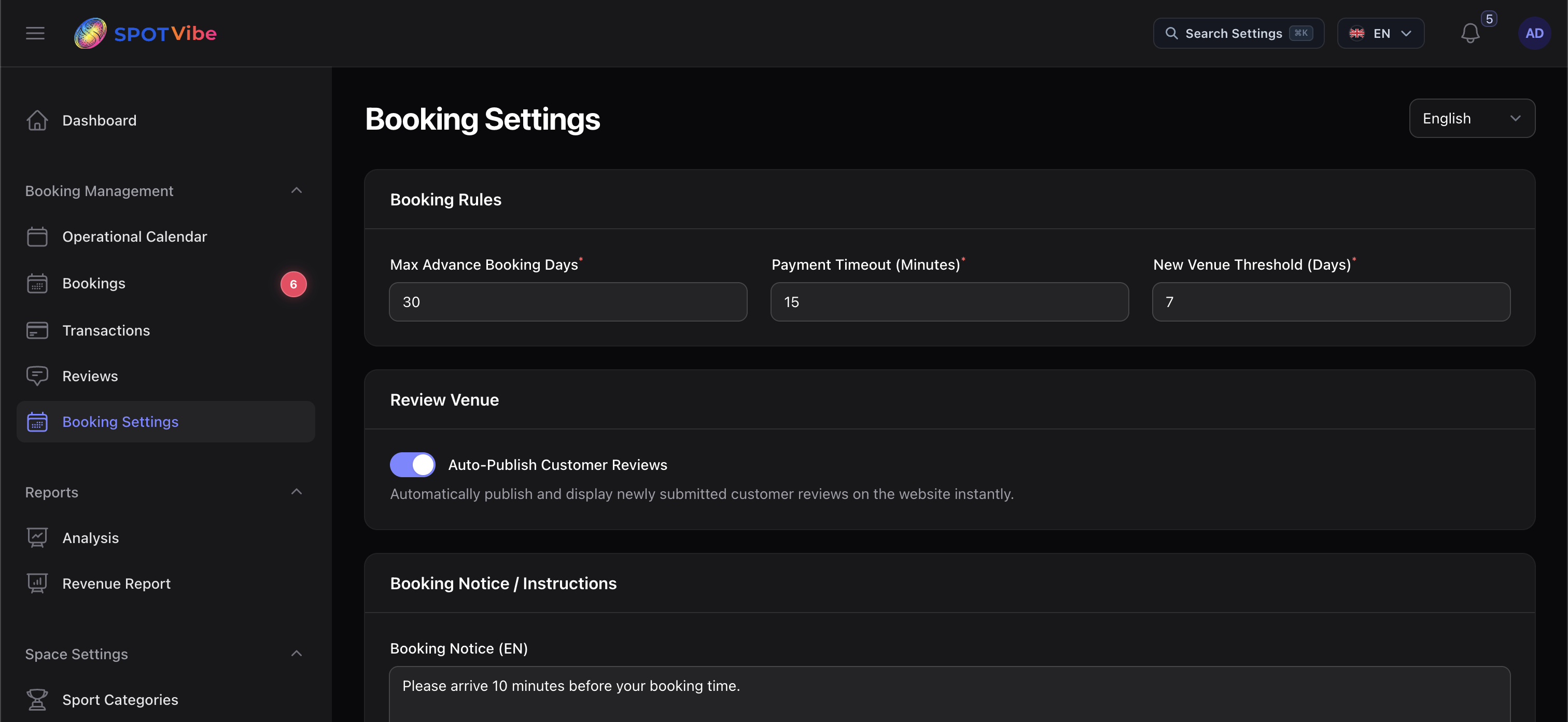
2. Booking Rules & Policies
Control the reservation behavior under Admin Panel Settings > Booking:
- Reservation Time Limit: Minutes a booking slot is locked in checkout before release (default: 10 mins).
- Lead Time: Minimum advance window required to place bookings (e.g., 2 hours).
- Cancellation Limit: Threshold before slot starts that customers are permitted to cancel their booking for refund credentials (e.g., 24 hours).
3. Branding & Appearance Customization
Change your site assets and styling defaults under Admin Panel Settings > Appearance:
- Logo Assets: Upload light & dark brand logos, dashboard icons, and browser favicons.
- Color Configurations: Select theme brand colors (Primary, secondary, neutral colors) from HSL palettes.
- Layouts: Setup dark mode default settings and sidebar collapse styles.