SMTP Setup & Email Notifications
SpotVibe automatically notifies customers and administrators when bookings are created, confirmed, or cancelled.
1. SMTP Configuration
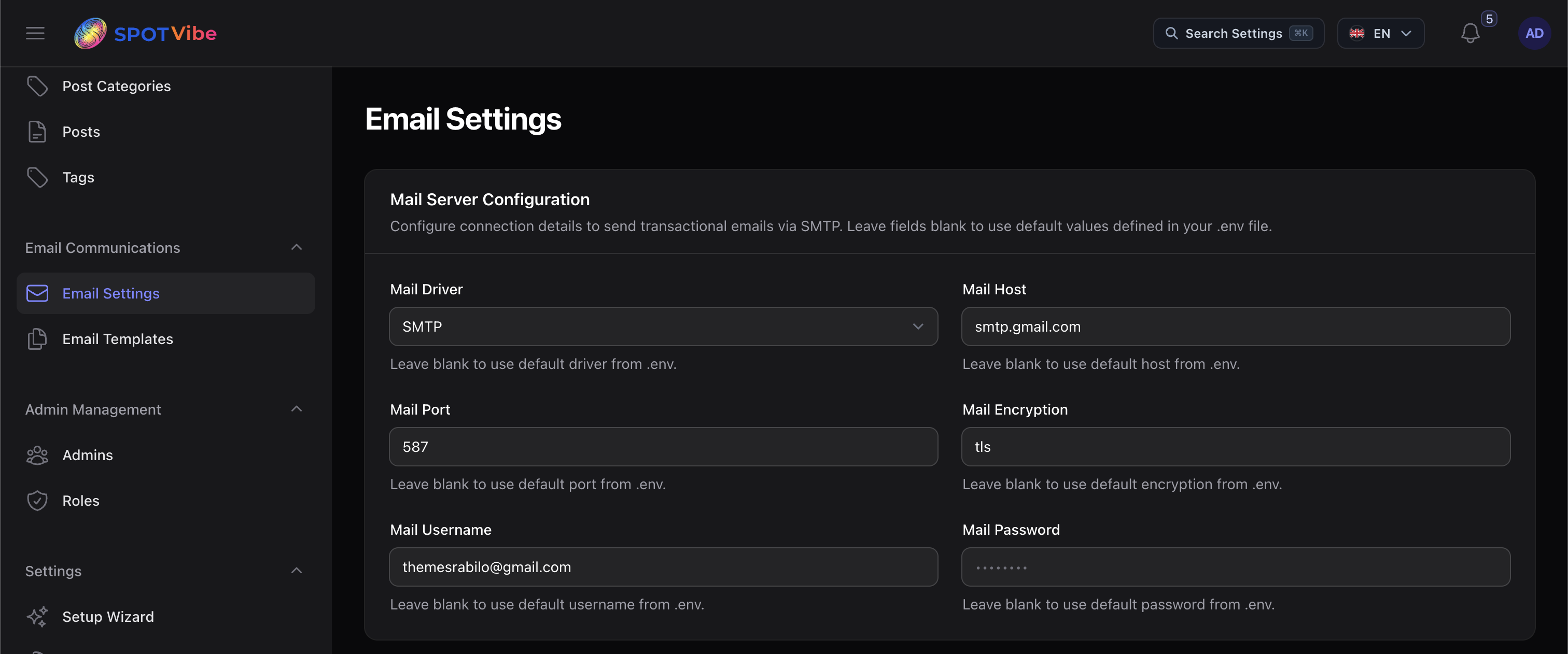
To ensure automated emails deliver, navigate to Admin Panel Settings > SMTP or modify
your .env file:
- Mail Mailer: Set this to
smtp. - Mail Host: Set your SMTP host (e.g.
smtp.gmail.com,smtp.mailgun.org). - Mail Port: Use
587for TLS or465for SSL. - Mail Username & Password: Input your SMTP account credentials.
- Mail Encryption: Select
tlsorssl. - Mail From Address & Name: Define sender email address and default display name.
💡 NOTE: If using Gmail SMTP, you must generate a
16-character App Password in your Google Account security settings. Your standard login
password will be blocked for security reasons.
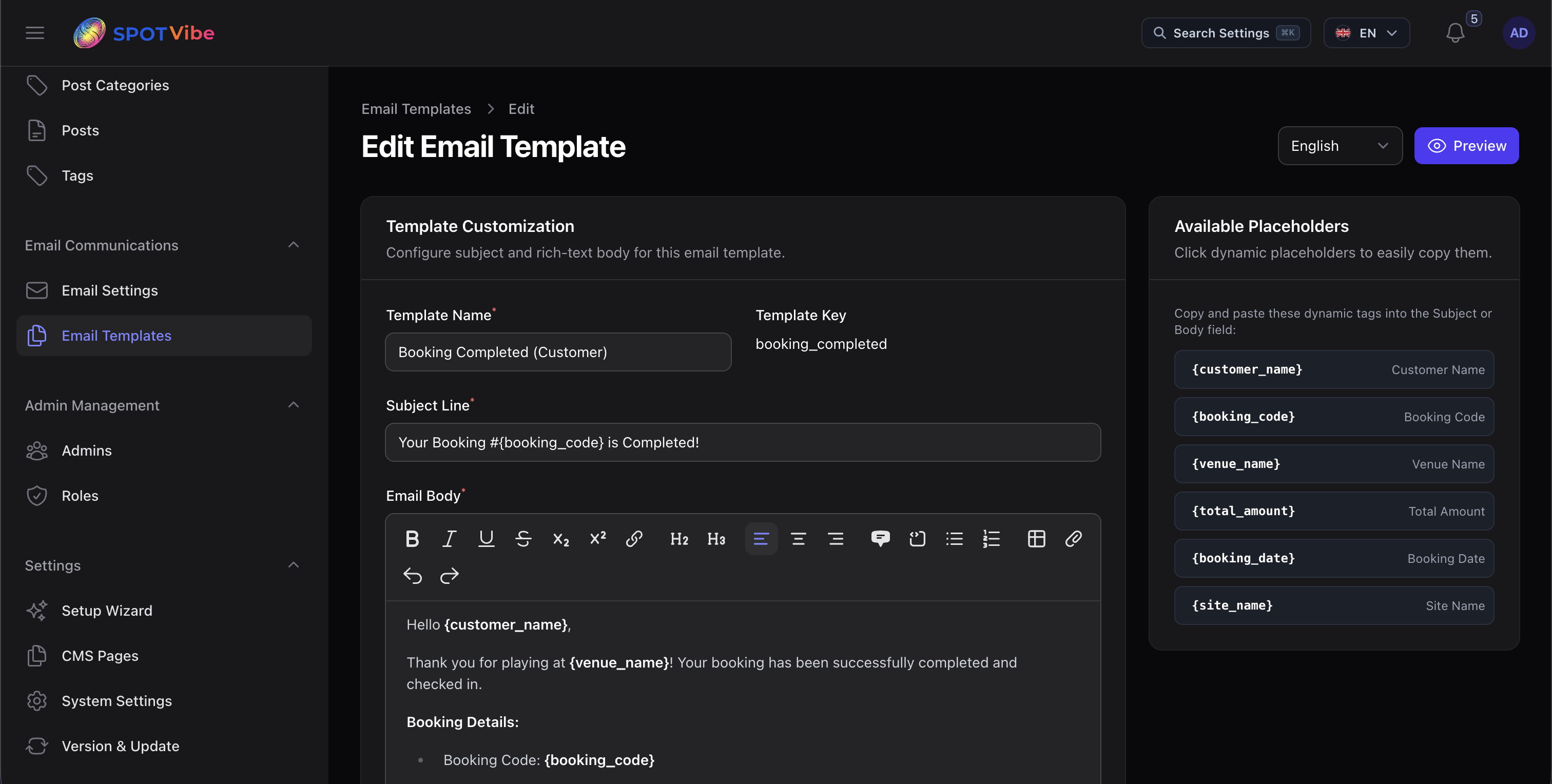
2. Dynamic Email Templates
You can customize translation content and layouts for emails in Admin Panel Email templates. The template editor supports these shortcode placeholders:
{customer_name}- Full name of the booking customer.{booking_code}- Unique reservation code (e.g. SV-10492).{court_name}- Name of the selected court.{venue_name}- Venue/complex title.{booking_date}- Scheduled date of the play session.{booking_time}- Scheduled time window (e.g. 08:00 - 09:00).{total_price}- Total payment amount (e.g. $25.00).