Admin Configuration
Super Administrators possess unrestricted control over global configurations, platform fees, emails, and global taxonomy.
1. Global Sports Categories & Amenities
Admins define the core options that venue managers can select:
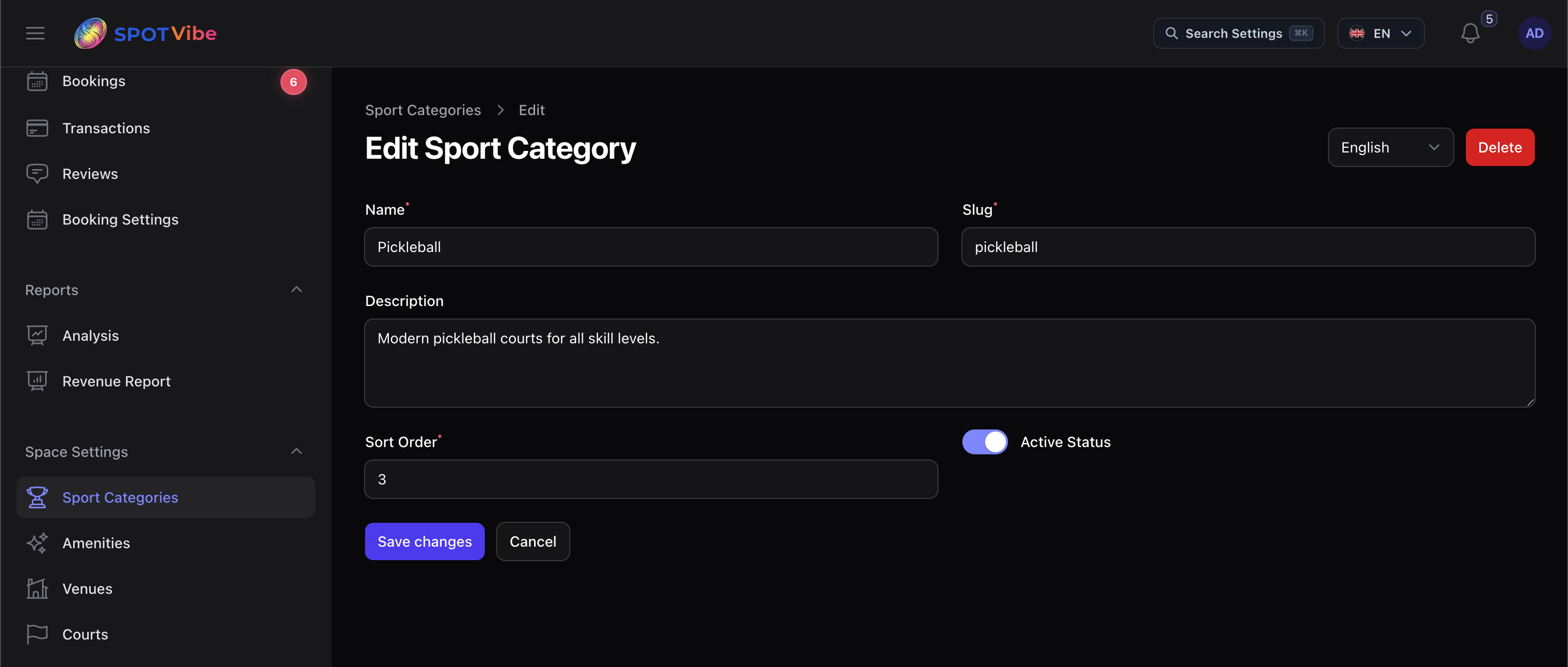
- Sport Categories: Create sports profiles, define categories, and set language translatability.
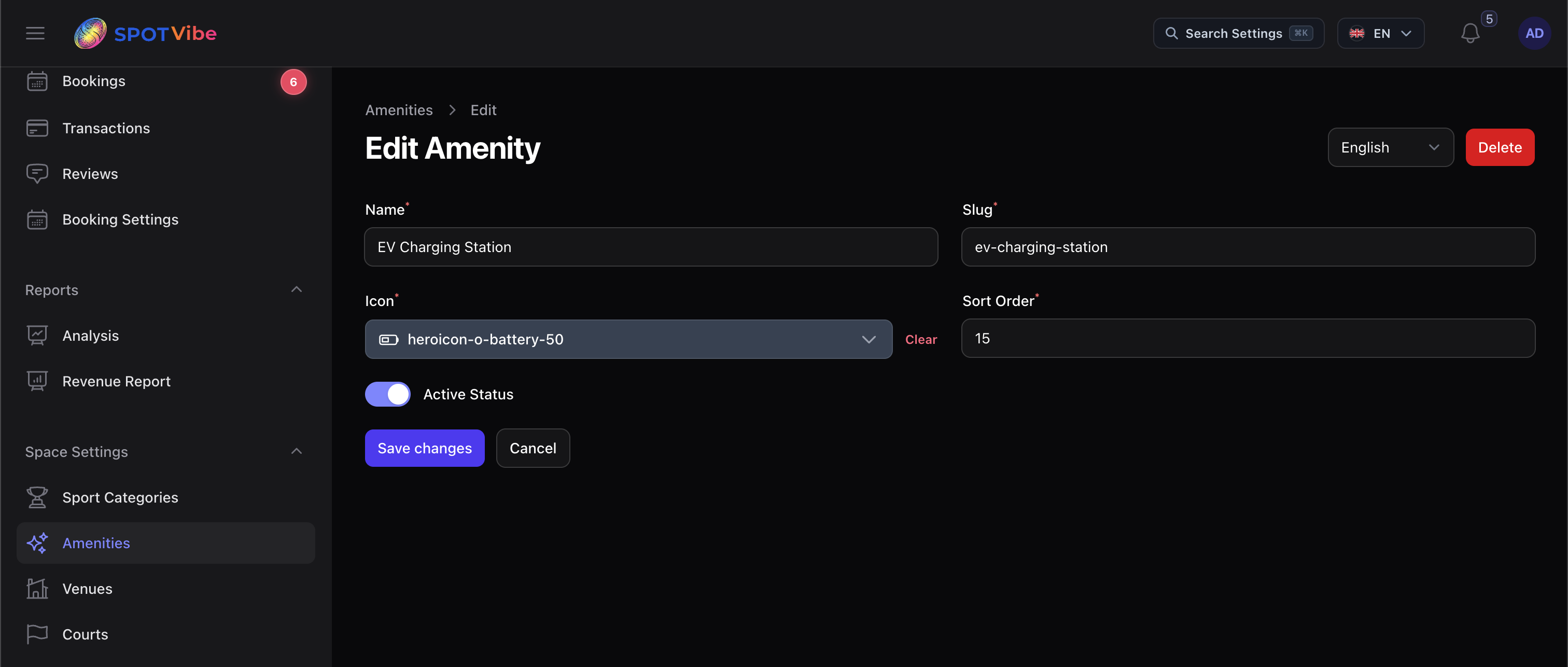
- Global Amenities: Create amenities (Wi-Fi, Parking, Locker Room, Towels) with system icons.
2. Translatable Content & CMS Pages
Manage public pages, terms, and blogging components:
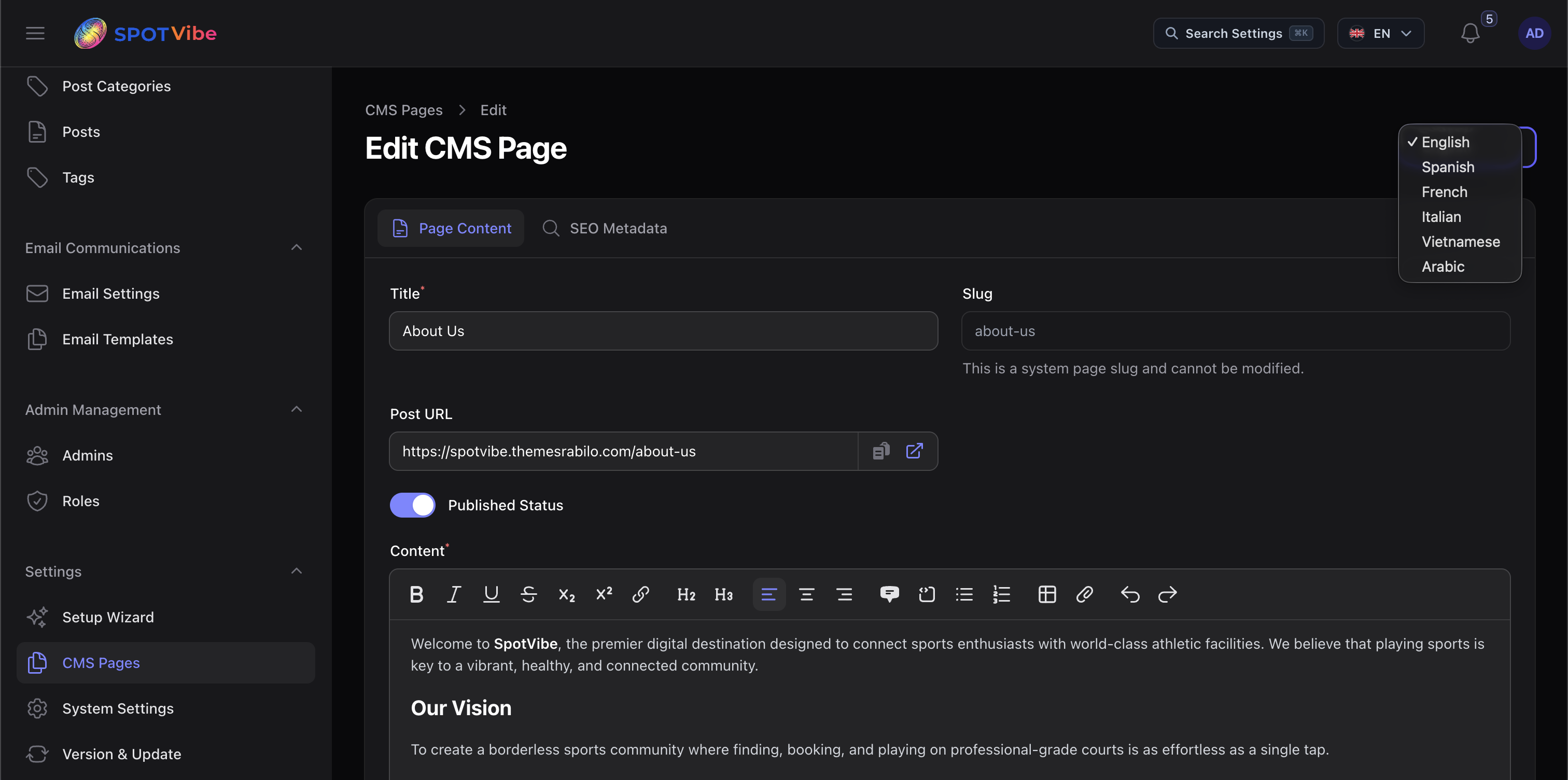
- CMS Pages: Write custom landing pages (About Us, Contact, Privacy Policies, Terms) utilizing the catch-all dynamic route resolver.
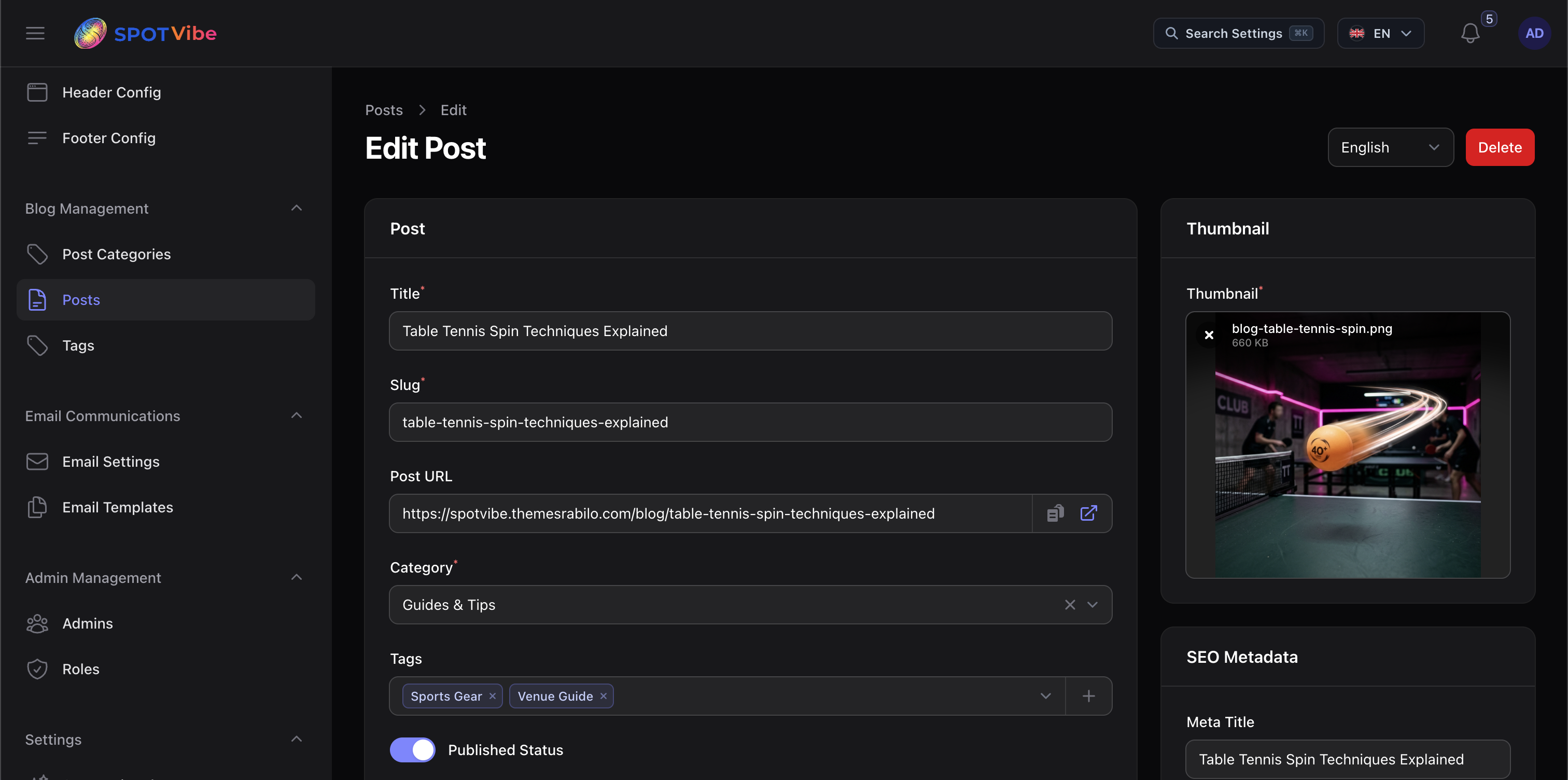
- Blog Portal: Categorize and publish blog posts, configure SEO metadata, and add tags.
3. System Settings & Email Communications
Adjust system parameters, email behaviors, and third-party integrations:
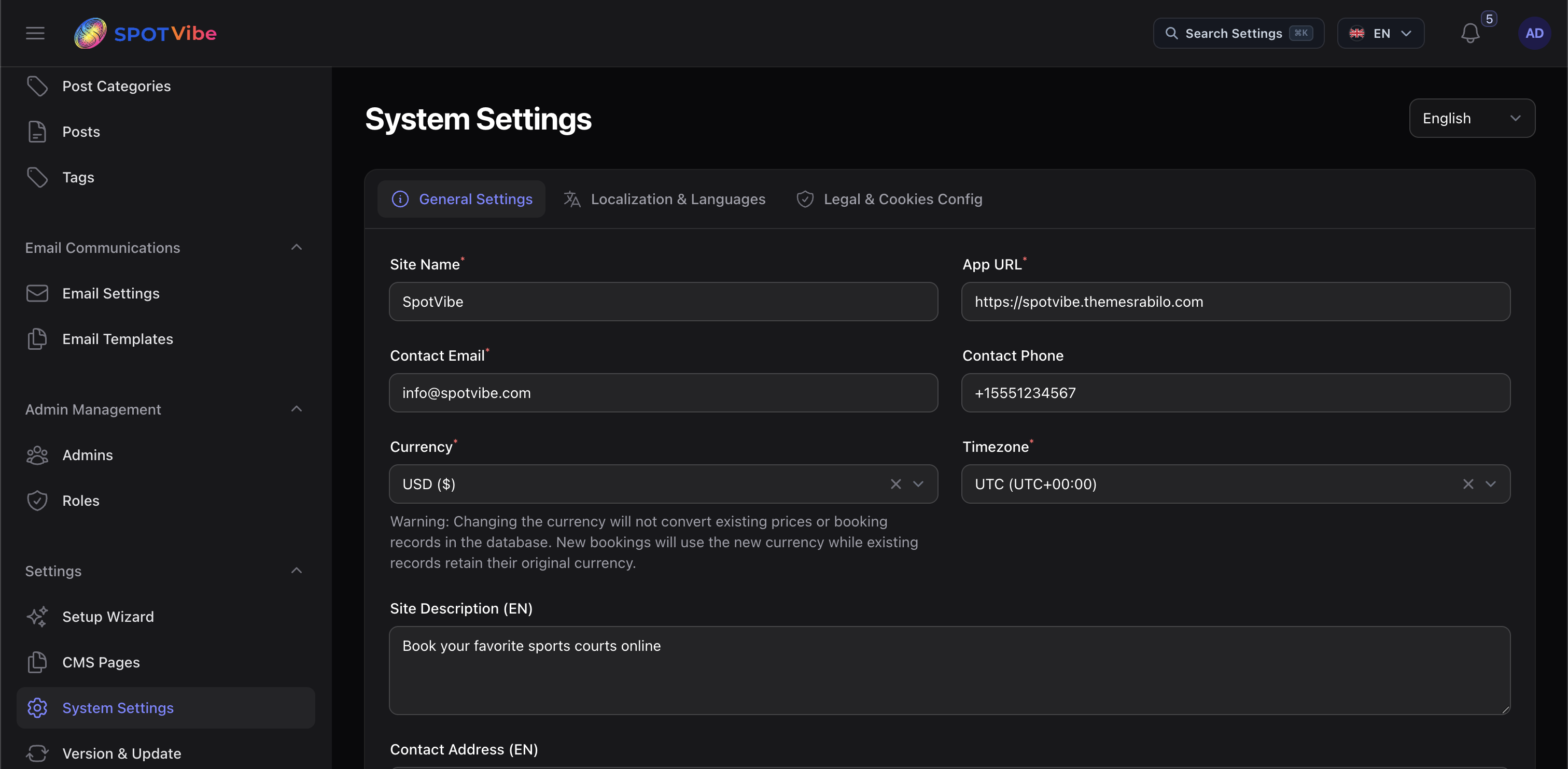
- General Site Preferences: Modify site title, default app name, logos, and localized configurations.
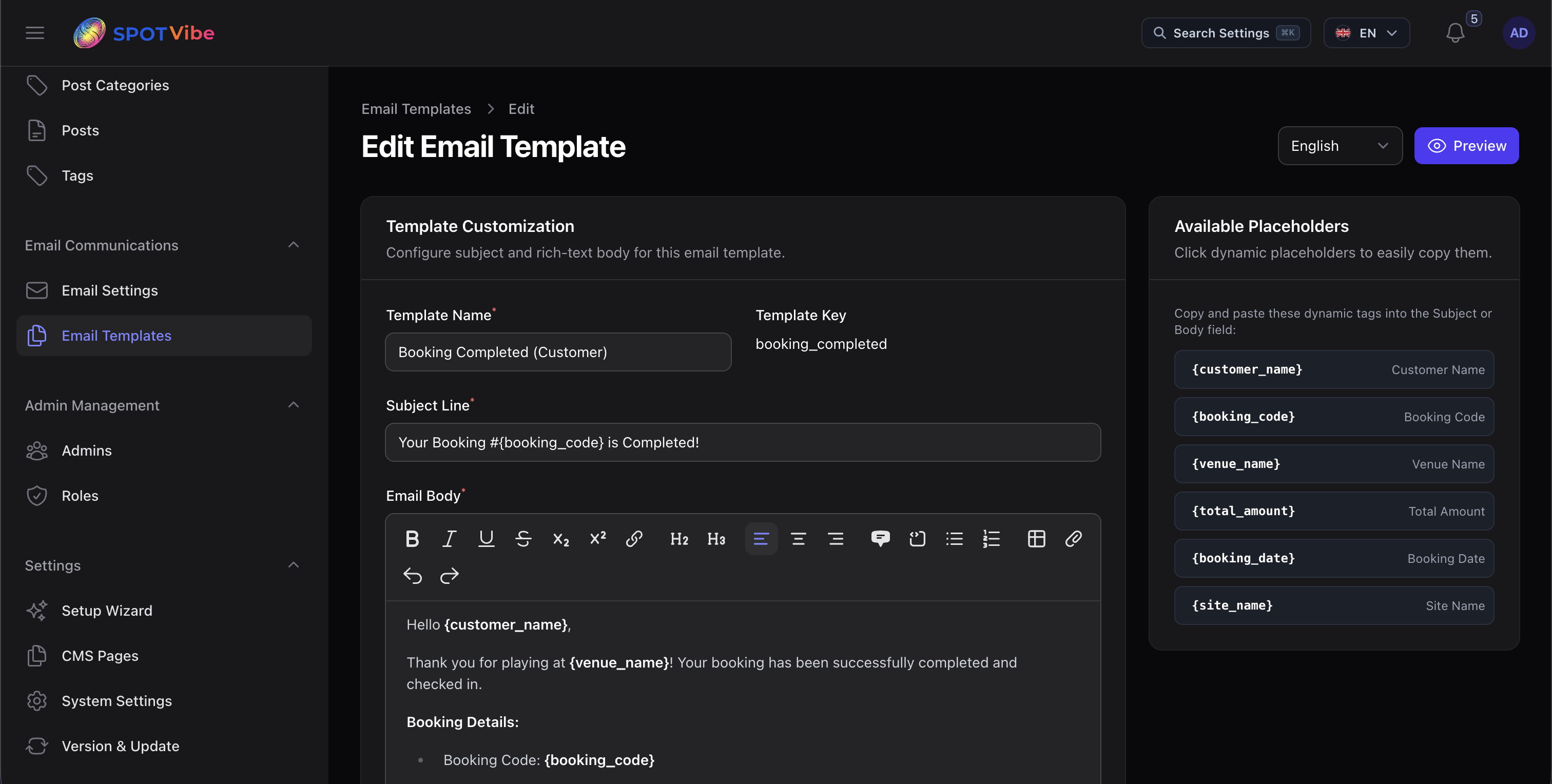
- Transactional Email Templates: Edit variables and body texts for automated notifications (Booking Created, Booking Confirmed, Booking Cancelled, Check-in alerts) with native SMTP credentials test tools.
- Transaction & Gateway Logs: Review payment logs, Stripe webhooks, PayPal records, and total revenue metrics.