Manager Portal
Venue Managers are granted access to administer only their assigned facilities, configure court schedules, customize pricing, and manage daily operations.
1. Venue Profiling & Localization
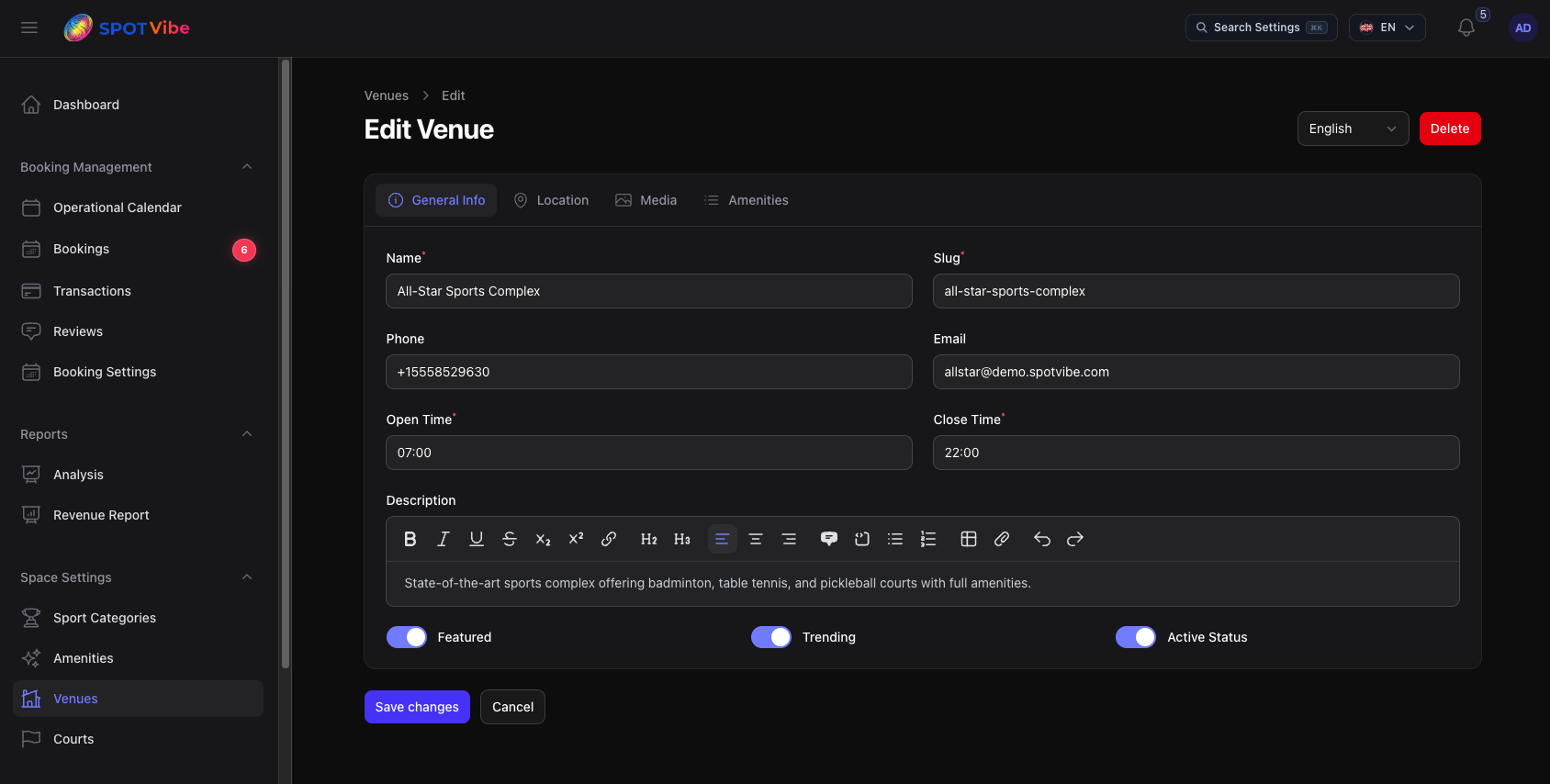
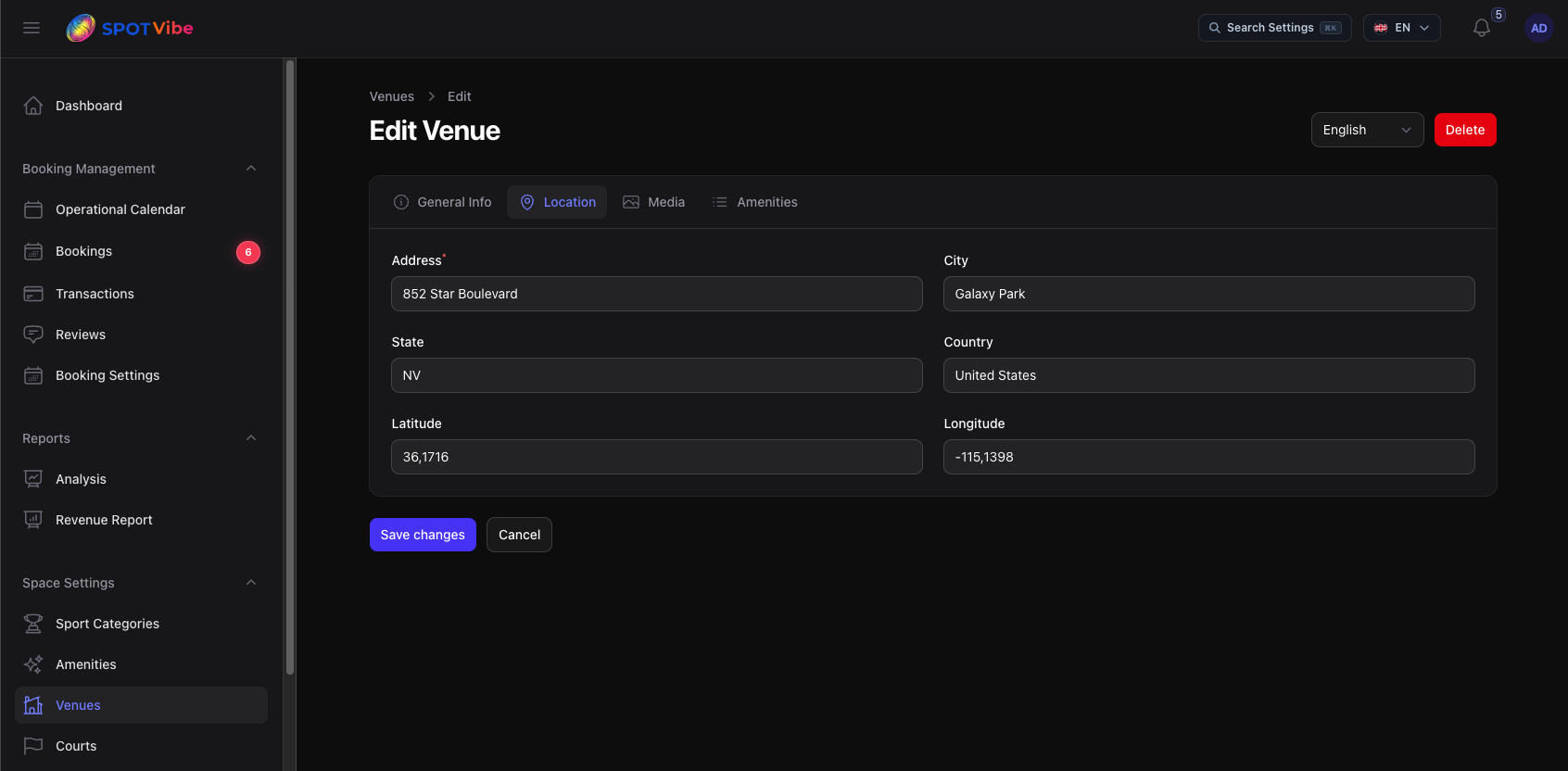
Managers can keep venue information updated under the Venues resource:
- Basic Settings: Modify venue name, logo, banner gallery, contact numbers, and guidelines.
- RTL & Translations: Translate description fields and terms to cover multiple languages.
- Location Mapping: Set geolocation coordinates and addresses so clients can navigate using maps.
2. Court Setup & Custom Pricing
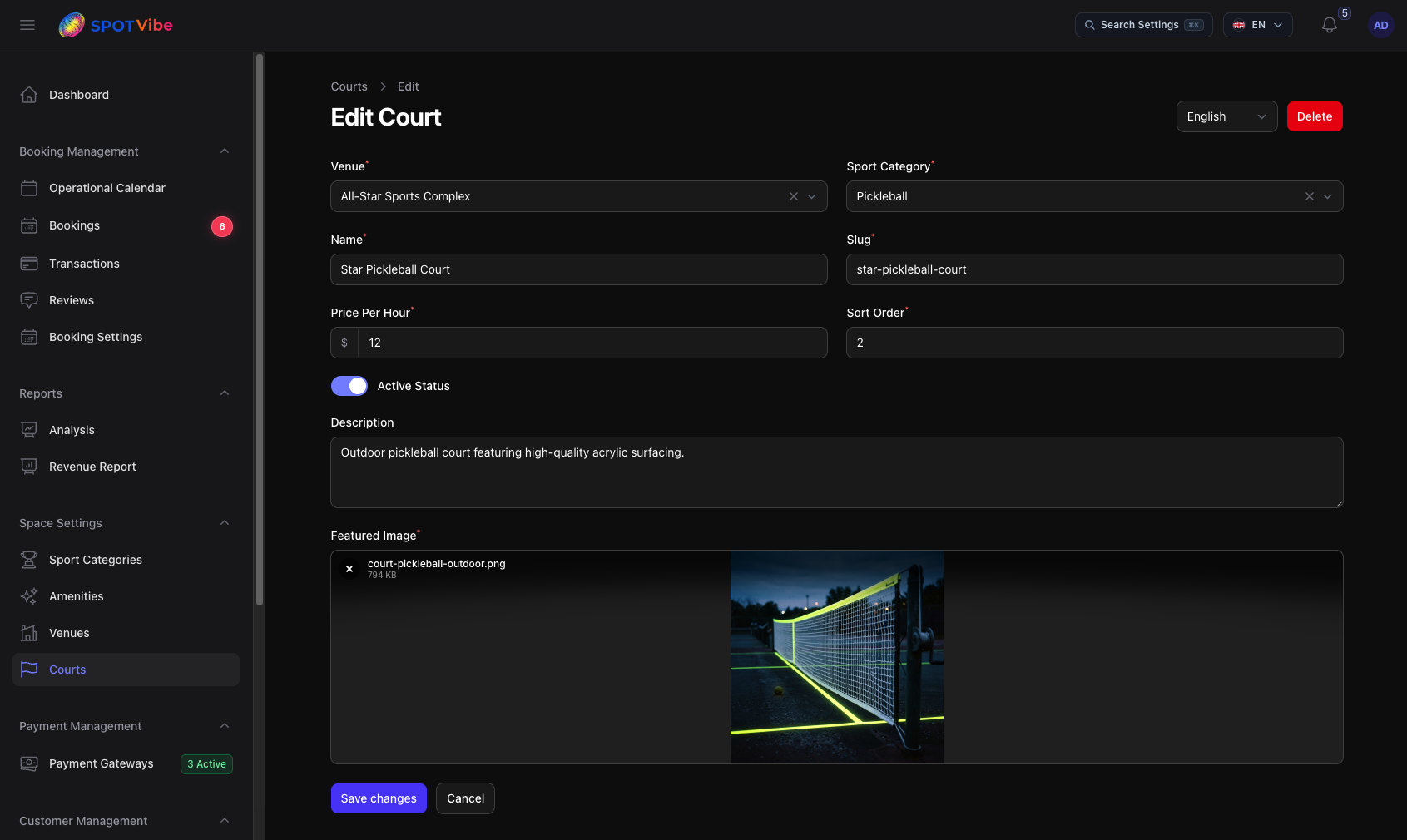
Inside their venues, managers set up individual playing fields/courts:
- Court Association: Create courts and assign them to sport categories (e.g. Badminton Court 1 under "Badminton").
- Amenity Sets: Link specific court amenities (e.g., net types, racket rentals, lighting options).
- Hourly Pricing: Configure standard rates per hour and set up customized schedules.
3. Handling Reservations & QR Check-ins
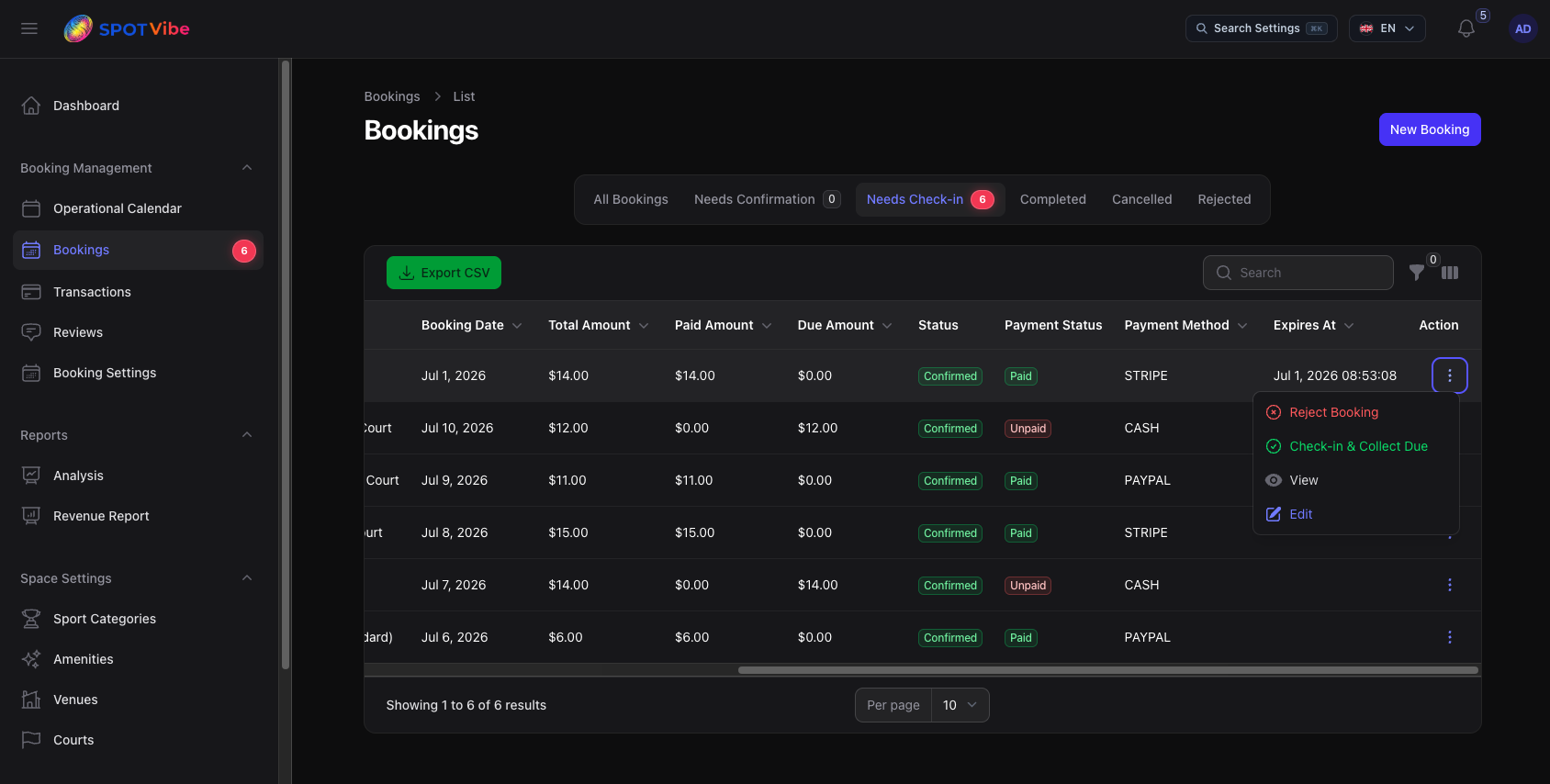
Managers can view and track incoming bookings in their dashboard:
- Filter & Search: Search reservations by court, booking status, customer name, date range, or transaction ID.
- Approve Offline Bookings: Manually change status to Confirmed for cash/offline check-outs.
- QR Code Check-ins: Use a tablet/phone camera to scan the customer's check-in QR Code. This dynamically flags the booking as "Checked-in" in the system database and registers attendance.